
Contracts are collections of services with predefined pricing. You can add two types of contracts: member contracts and non-member contracts.
To add a new Contract:
-
Navigate to the Billing menu and choose Contracts.
-
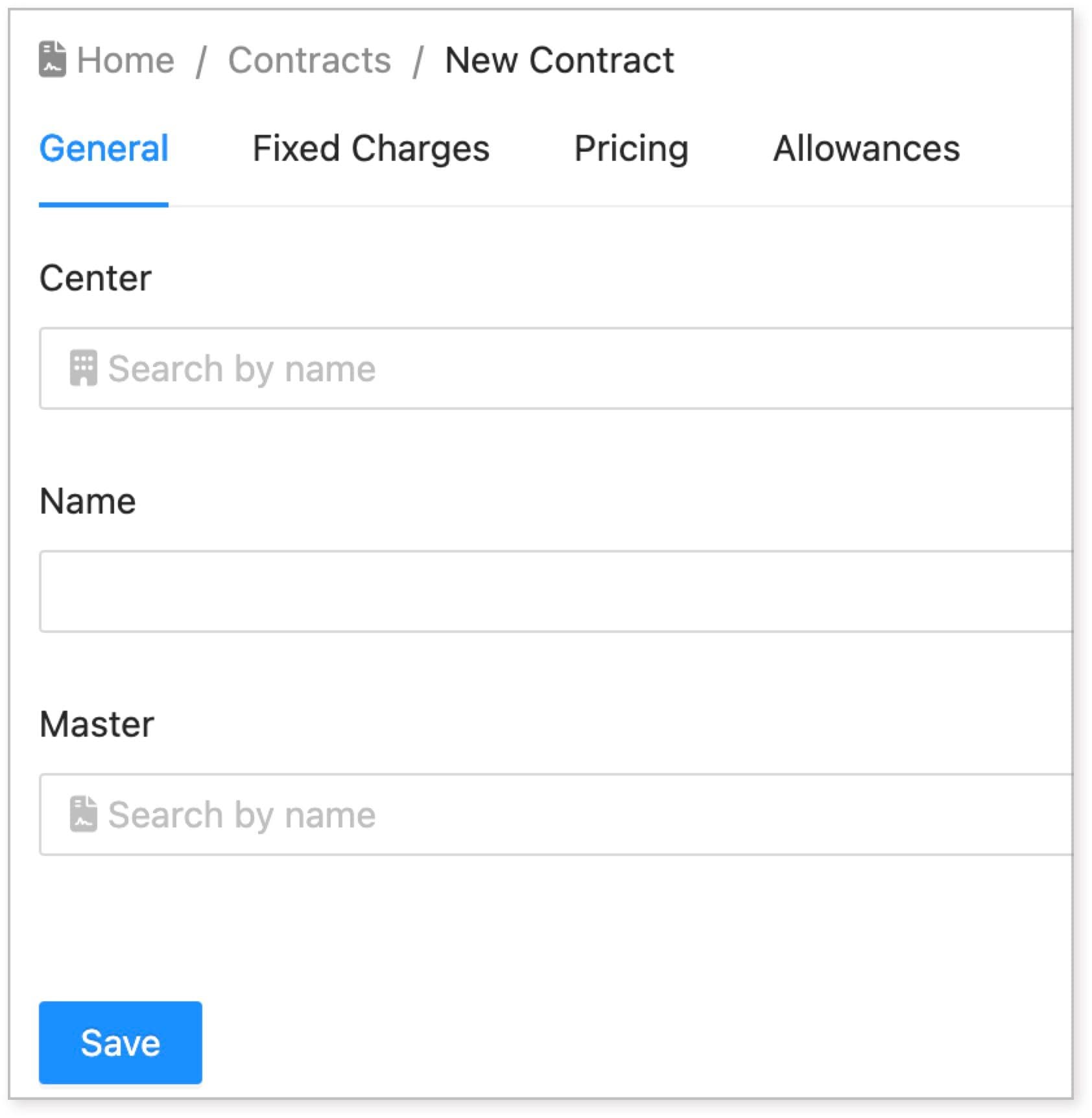
On the active Contracts page, click New Contract.
-
Fill in the contract details. See this article [link: Contract settings and details] to understand the detailed information of a Contract.
-
Click Save to create a new contract.
This streamlined process allows you to efficiently manage contracts, ensuring accurate pricing and service provisions for your clients.