
Note: Creating a new center is an exclusive task for HostedSuite admins. If you need to create a new center, please contact your account administrator or our support team.
Steps:
Adding a Center
-
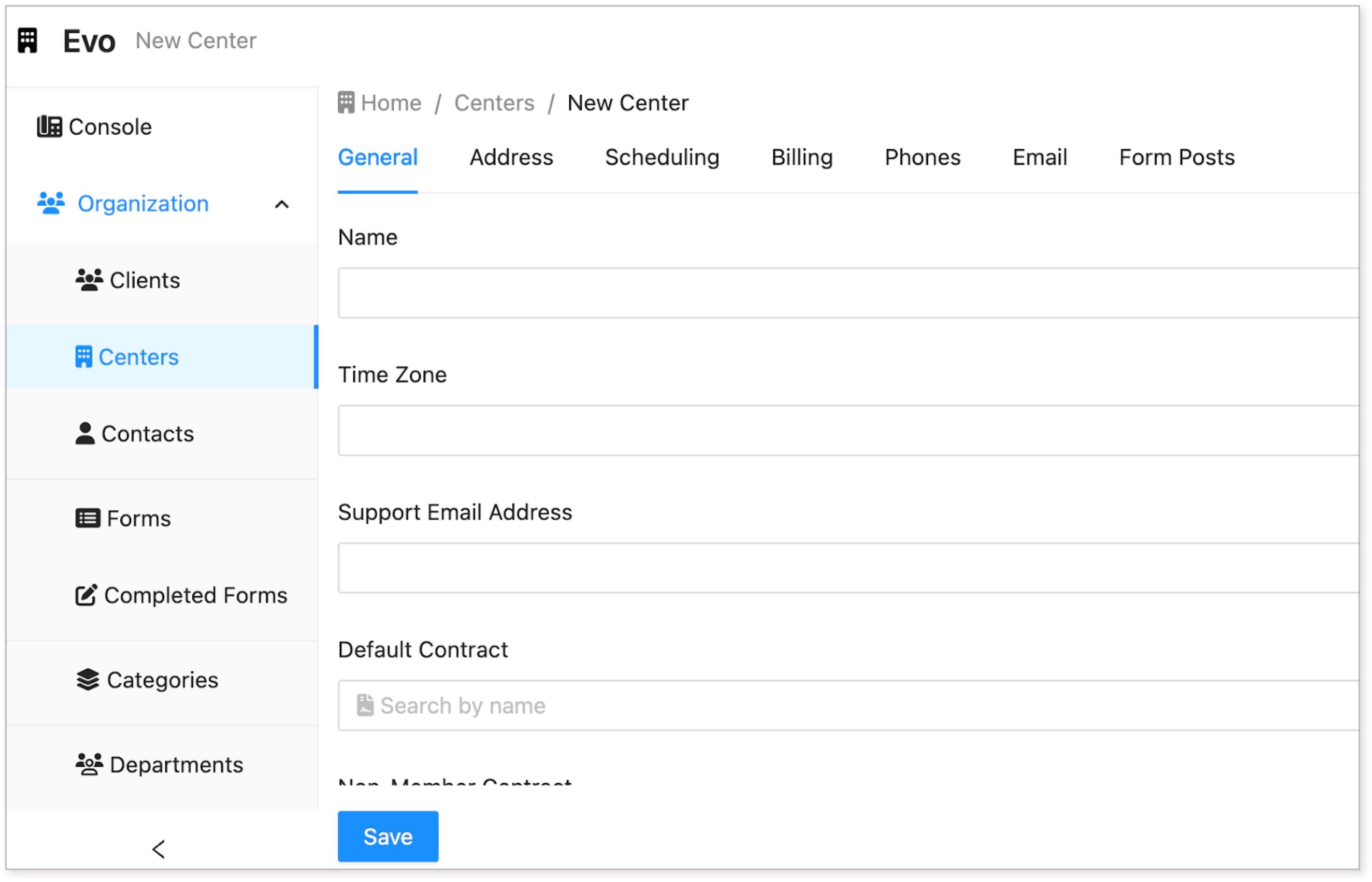
Click on Organization and select Centers.
-
Click the New Center button.
-
Add Center details. For detailed information on how to fill up the details, you can click [here](link: Managing a Center).
-
Click Save to save your changes.
You’ve created a new center. If you feel you need to add or edit any details of your center, you can always go back and edit your center. You can check this guide [here](link: Managing a Center) for detailed information.